Choosing a domain name is simple and cheap: for most UK small businesses, the answer is your business name, followed by .co.uk, registered in your own name. It usually costs less than a takeaway a year, and it takes about ten minutes.
That said, it’s one of the few website decisions that’s a real pain to change later. This guide covers how to pick one that’s short, easy to say and right for your business, whether to go for .co.uk or .com, the checks to do before you buy, and how to register it so it can’t be lost.
Contents
- What is a domain name?
- Keep it short, easy to say and easy to spell
- Business name or keywords?
- .co.uk, .uk or .com?
- Checks to do before you buy
- How to register it properly
- How much does a domain name cost?
- Should you buy more than one?
- What if the name you want is taken?
- Can you change your domain name later?
- Domain name mistakes to avoid
- Common questions
What is a domain name?
Your domain name is your website’s address: the bit people type into a browser to find you, like unseenseo.co.uk. It’s also what comes after the @ in a business email address.
It has two main parts. The name is the bit you choose. The ending (properly called a top-level domain, or TLD) is the .co.uk, .uk or .com on the end.
The parts of a web address
A made-up window cleaner, used as the example throughout this guide.
Domain name vs website vs hosting
These three get muddled up all the time, so here’s the short version. The domain is the address. The hosting is the space on a computer somewhere that stores your website’s files. The website is the actual pages people see.
If your website were a shop, the domain would be the street address, the hosting would be the building, and the website would be everything on the shelves. You can buy them from the same company or from different ones, and you can move any of them later.
Keep it short, easy to say and easy to spell
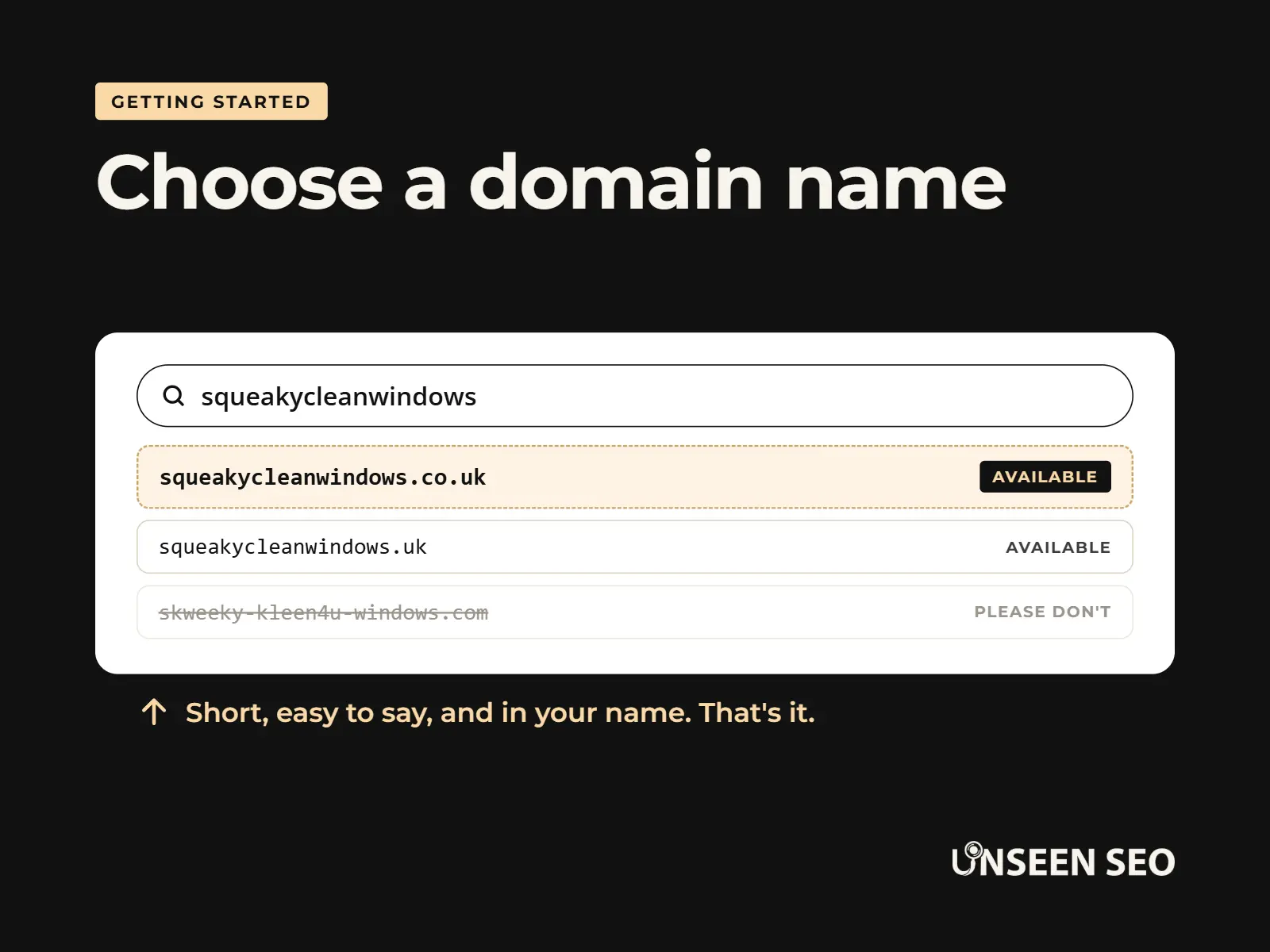
A good domain name is one that people can remember after hearing it once, and type without asking you to spell it. Most of your customers will find you through Google, but some will hear your name from a friend, see it on a van, or need to type your email address. That’s when a tricky domain costs you.
The two-minute test
Say your domain name out loud to someone who’s never heard it, then ask them to type it.
Passes
squeakycleanwindows.co.uk
Typed right first time
Fails
skweeky-kleen4u-windows.com
“Was that a k? How many hyphens?”
A few rules of thumb:
- Shorter is better. There’s no magic number, but if it won’t fit comfortably on a business card or the side of a van, it’s probably too long
- Avoid hyphens. They’re easy to forget and awkward to say (“squeaky dash clean dash windows”)
- Avoid numbers. Is it “4”, “four” or “for”? Nobody knows, and they’ll guess wrong
- No clever spellings. “Kleen” and “Xpress” might look fun on a logo, but people will type the normal spelling and end up somewhere else
- Watch for accidental words. Read the name as one long string of letters to make sure it doesn’t spell something unfortunate when the spaces disappear
- Make it match your business name. If people know you as Squeaky Clean Windows, the domain should say that, not SCW or something else
Business name or keywords?
Years ago, stuffing keywords into a domain name (cheap-window-cleaning-barnsley.com) could help a website rank. Those days are long gone. Google has said for years that keywords in a domain don’t give a meaningful ranking boost, and these names tend to look spammy and are hard to remember.
So for most businesses, the best domain name is simply your business name. It’s what people will search for, what they’ll remember, and what builds trust over time.
If your business name is very generic or already taken, adding a word about what you do can help (squeakycleanwindows.co.uk rather than squeakyclean.co.uk). That’s for clarity, not for Google.
Should you put your town in it?
It’s tempting, but think twice. Adding “barnsley” makes it clear where you are, which is handy if your business name is common. But if you ever expand to Sheffield, Rotherham or beyond, it starts to feel like a mismatch.
For local searches, your Google Business Profile and the content on your website do far more heavy lifting than your domain name ever will. Our guide to what SEO actually is explains why.
.co.uk, .uk or .com?
For a business that mainly serves UK customers, .co.uk is the safe, sensible choice. British customers know it and trust it, and your name is more likely to be available than the .com version.
There’s a small SEO bonus too. Google treats country endings like .co.uk and .uk as a strong signal that a website is aimed at that country. Generic endings like .com don’t say anything about where you are.
| Ending | Best for | Worth knowing |
|---|---|---|
| .co.uk | Most UK businesses | The one British customers know best. Tells Google you’re aimed at the UK |
| .uk | UK businesses that want something shorter | Same UK signal, a bit less familiar to some customers. Often worth grabbing alongside your .co.uk |
| .com | Businesses that sell abroad, or plan to | Recognised everywhere, but short, good names are much harder to find |
| .org.uk | Charities, clubs and community groups | Intended for non-profit organisations |
| .london, .shop, .online and friends | Very specific brands | Less familiar to customers, and Google doesn’t give them any ranking advantage |
Whichever you choose, the ending matters far less than the name in front of it. A clear, memorable name on a .co.uk beats a clumsy one on a .com every time.
Checks to do before you buy
Finding a domain that’s free to register is only half the job. Before you buy, spend ten minutes on these:
- Is it available? Type it into any domain registrar’s search box (the companies that sell domains). If it’s taken, you’ll usually see suggestions
- Is anyone else using the name? Search the name on Google and in Google Maps. If there’s a similar business nearby, customers (and Google) may get you mixed up
- Is it a trade mark? Search the UK Intellectual Property Office’s free trade mark search. Using a name that clashes with someone’s trade mark can mean being forced to give it up later
- Does it match your company name? If you’re a limited company, check Companies House to make sure the name lines up with what’s registered
- Are the social media names free? It’s not essential, but matching names on Facebook, Instagram and the rest make you easier to find and look more polished
- Does it have a past? If the domain has been used before, have a look at its history on the Internet Archive’s Wayback Machine. You don’t want to inherit an old site’s bad reputation
How to register it properly
Registering a domain is quick: search, add it to your basket, pay. But a few settings now can save you an enormous headache later.
- Register it in your own name (or your company’s). This is the big one. If a web designer or friend registers it for you in their name, it legally isn’t yours. If you fall out, or they disappear, getting it back can be a nightmare. Use your own account and your own email address
- Turn on auto-renew. Domains are rented for one to ten years at a time. If a renewal fails and nobody notices, your website and email stop working, and eventually the domain can be released for anyone to grab
- Keep your contact details up to date. Renewal reminders go to the email address on the account. If that’s an old address, you won’t see them
- Keep the login somewhere safe. Write down which company you registered with. You’d be amazed how many business owners can’t remember
- Check the renewal price. Many registrars offer a cheap first year, then charge more to renew. That’s normal, but check it so it’s not a surprise
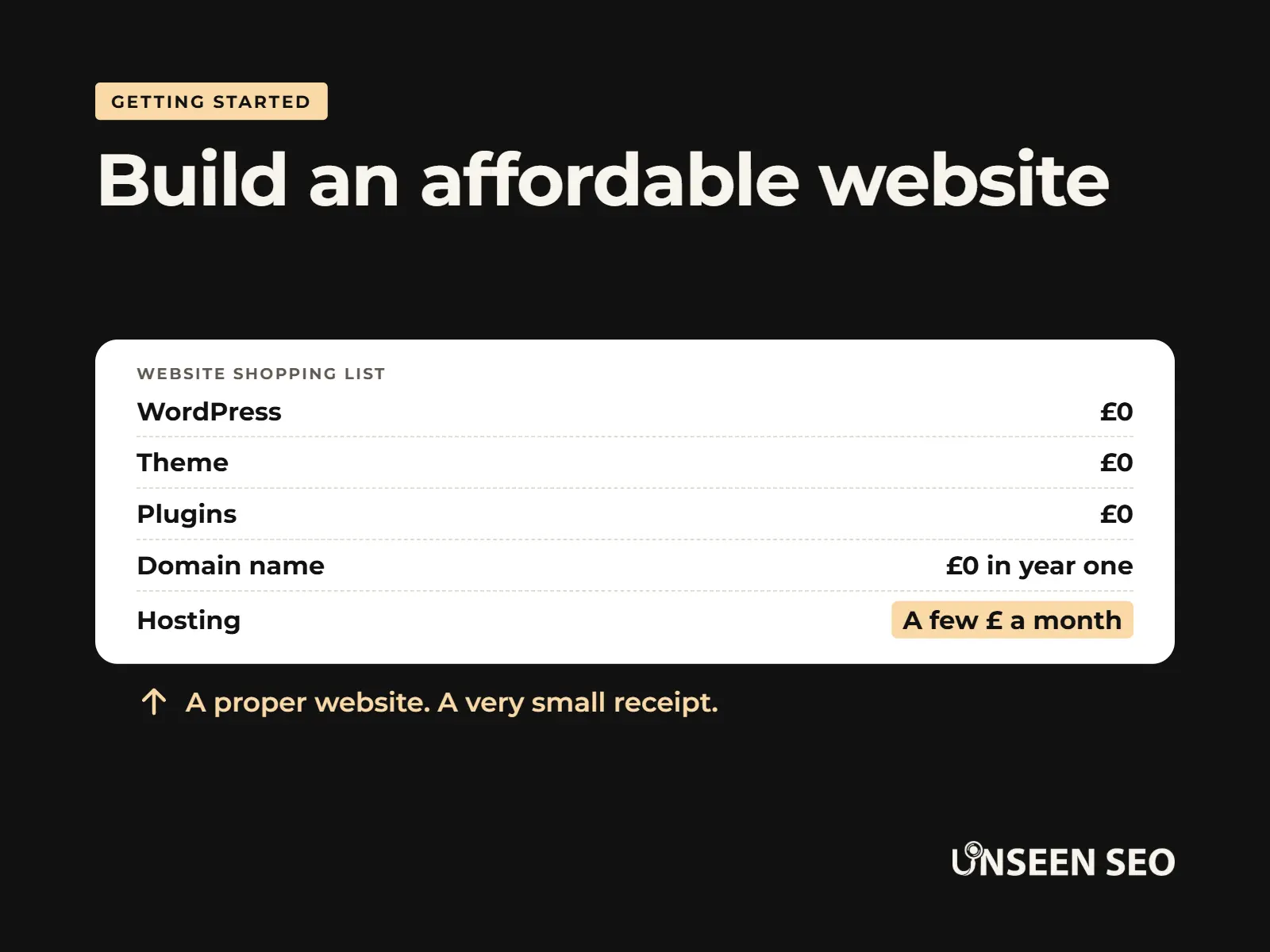
You can register a domain with one company and host your website with another. If you’re using a website builder like Wix, Squarespace or Shopify, you can usually buy the domain through them too, which keeps things simple. Not sure which route to take? Our guide to creating an affordable website compares the options, including the setup we use ourselves.
How much does a domain name cost?
Not much. A .co.uk or .uk domain usually costs somewhere between a few pounds and around £15 a year, depending on the company and whether there’s a first-year offer on. A .com is usually a little more. Prices change often, so check a couple of registrars before you buy.
Be wary of extras you don’t need at the start. You’ll often be offered privacy add-ons, website builders, security certificates and email packages at checkout. Some are useful, but many website builders and hosts already include a security certificate (the padlock, or HTTPS) for free.
The exception is a “premium” domain: a short, desirable name that someone already owns and wants to sell. Those can cost hundreds or thousands of pounds, and for most small businesses they’re not worth it.
Should you buy more than one?
Often, yes, as long as it’s cheap. Many UK businesses buy the .co.uk and the .com (and sometimes the .uk) versions of their name, then point the extras at the main website with a 301 redirect, which automatically sends visitors to the right place.
It means nobody else can grab your name, and anyone who types the wrong ending still finds you. Just pick one as your main address and use it everywhere, so you’re not splitting your website across two addresses.
You don’t need to buy every possible ending and spelling, though. Two or three is plenty for most small businesses. Twelve is a collection.
What if the name you want is taken?
It happens a lot, especially with .com. Before you go reaching for hyphens, try these:
- Try a different ending. If the .com’s gone, the .co.uk or .uk may well be free
- Add what you do. squeakycleanwindows.co.uk instead of squeakyclean.co.uk
- Add a short, natural word. Things like “the”, “get” or “hq” can work, if they still sound right when you say them out loud
- Check if it’s actually being used. Some taken domains are just parked. You can sometimes buy them from the owner, but prices vary wildly and there’s no guarantee they’ll sell
- Think about the business name itself. If you’re just starting out and every version of your name is taken, it might be a sign your name is too close to someone else’s
Can you change your domain name later?
Yes, but it’s a bit like moving house: doable, but a hassle you’d rather avoid. Google has to learn your new address, and there can be a dip in visitors while it catches up.
If you do have to change it, the key is setting up 301 redirects from every old page to its new address, so visitors and Google are sent to the right place. You’ll also need to update your Google Business Profile, your Google Search Console account, your listings on other websites (keeping these consistent is called NAP consistency), your email, and every business card and van with the old address on. Hence choosing carefully the first time.
Domain name mistakes to avoid
- Letting someone else register it for you. If it’s in your web designer’s name, it’s theirs. Always register it yourself
- Forgetting to renew. Turn on auto-renew and keep your contact email up to date
- Choosing something hard to say or spell. Do the two-minute test before you buy
- Stuffing it with keywords. It won’t help you rank, and it looks less trustworthy
- Going too narrow. A domain about one product or one town can feel cramped if your business grows
- Ignoring trade marks. A quick search now is far cheaper than a dispute later
- Using a free subdomain. yourbusiness.wixsite.com looks temporary, and you can’t take it with you if you move
- Using two addresses at once. Pick one main domain and redirect the others to it
Common questions about domain names
Quick answers to the questions people ask Google most about choosing a domain name.
If you want a website, yes. Some website builders give you a free address like yourbusiness.wixsite.com, but it looks less professional and you can’t take it with you. Your own domain is cheap, it’s yours to keep (as long as you renew it), and it lets you have a matching email address.
Avoid hyphens, numbers, clever spellings and anything long or hard to say out loud. Steer clear of names that are close to another business’s name or trade mark, and don’t cram in keywords. Also avoid tying yourself to something you might outgrow, like one product or one town if you plan to expand.
Not quite. You rent the right to use it for a set period, usually one to ten years, and you can keep renewing it indefinitely. If you forget to renew, it can eventually be released for someone else to register. That’s why it’s worth turning on auto-renew and making sure the domain is registered in your name.
Yes, for a UK business it’s a very good choice. It’s familiar to British customers, it tells Google your site is aimed at the UK, and your preferred name is more likely to be available than the .com version.
Yes. Anyone can use a .com anywhere, and plenty of UK businesses do. It’s a sensible choice if you sell abroad or might in future. If you serve customers mainly in the UK, a .co.uk or .uk sends a clearer local signal.
Less than it used to. It’s still the best-known ending worldwide, but for a business that serves UK customers, a .co.uk is just as trusted. People mostly click on whatever’s in the search results, rather than typing addresses from memory.
Only a little. Google has said for years that keywords in a domain name don’t give a meaningful ranking boost, and new endings like .shop don’t help either. A .uk ending does help Google understand you’re targeting the UK. What matters far more is what’s on your website.
Only if it’s part of your business name or you’ll only ever work in that area. It can make it clear where you are, but it gets awkward if you expand. You can show your location on your website and Google Business Profile instead, which matters far more for local searches.
It’s often worth buying the .co.uk and .com (and sometimes .uk) versions of your name if they’re cheap, then pointing the extras at your main website. It stops someone else grabbing them and catches anyone who types the wrong ending. You don’t need dozens, though.
The 30-second version
For most UK small businesses, your domain name should be your business name followed by .co.uk. Keep it short, easy to say and easy to spell, with no hyphens, numbers or clever spellings. Check nobody else is using the name, register it in your own name, turn on auto-renew, and grab the .com or .uk too if they’re cheap. Then point them all at one main website.
Want a hand with it?
Got a domain already and wondering if it’s holding your website back? Our £150 No Nonsense Audit checks your domain setup, redirects and everything else Google cares about, then tells you in plain English what to fix first. No retainer, no contract. If you’d rather talk it through, that’s £50 an hour. Or just drop us a message with your question.

Leave a Reply