
A Google Business Profile is free, and setting one up properly is one of the simplest, highest value things a small business can do for how it shows up online. It usually takes about fifteen minutes to get the basics in, though doing it properly, the way this guide covers, is worth taking a bit longer over.
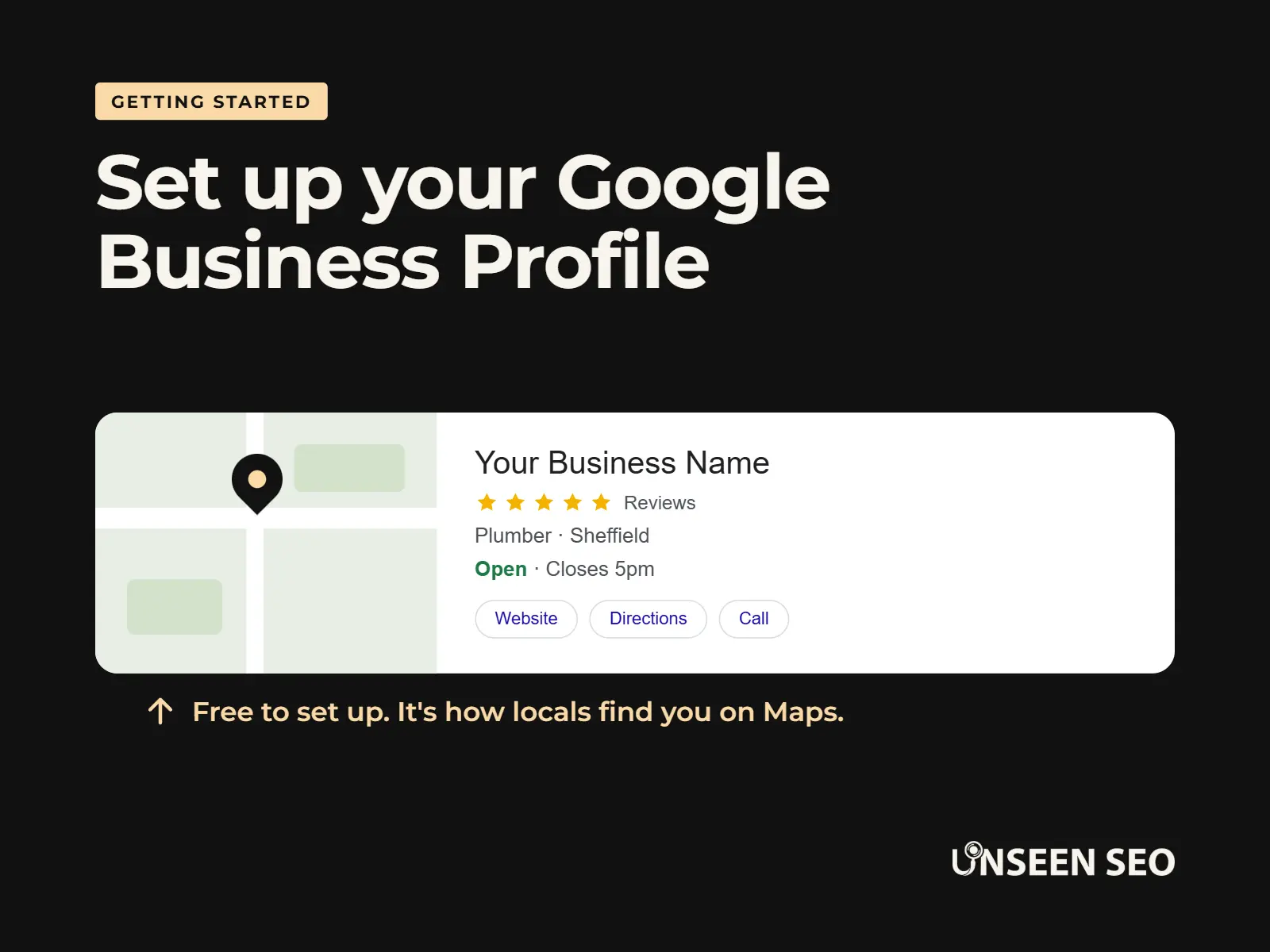
If you’ve ever searched for a business and seen its opening hours, reviews and a little map pin show up on the right hand side of Google, that’s a Google Business Profile. Getting your own one set up properly is what gives you a shot at showing up that way too.
This is a longer guide than most, because there’s more to a good profile than just claiming it and walking away. Here’s everything we’ll cover:
Contents
- What a Google Business Profile actually is
- Creating or claiming your profile
- Getting your basic details right
- Verifying your business
- Choosing the right category
- Listing your services properly
- Setting your service area, if you travel to customers
- Writing a description that actually helps
- Adding photos worth looking at
- Building a simple review habit
- Messaging and posts
- Common mistakes that stop you showing up locally
- A simple routine to keep it ticking over
- Common questions about Google Business Profiles
What a Google Business Profile actually is
It’s your free business listing on Google. It shows things like your opening hours, your address, your phone number, your reviews and photos, all without anyone needing to click through to your actual website first.
For a lot of small businesses, especially local ones people search for by name or by what they do plus a town (“plumber Barnsley”, that sort of thing), your profile is the first proper impression someone gets. Sometimes it’s the only one, if they decide to call or pop in without ever visiting your website at all.
That’s also why it’s worth doing properly rather than rushing. A half filled in profile still shows up. It just doesn’t do you any favours once someone’s actually looking at it.
Step 1: Create or claim your profile
Go to google.com/business and sign in with a Google account, ideally one your business will keep long term rather than a personal one you might lose access to further down the line.
Search for your business name first, to check whether a profile already exists. Sometimes one gets created automatically from old directory listings without anyone realising. If it does, you’ll be able to claim it. If not, you’ll create a new one from scratch.
Step 2: Get your basic details right
You’ll be asked for a handful of essentials. It’s worth taking a moment over each one, since these are the details Google actually matches you up against when someone searches.
- Business name. Use your real, registered name. Don’t add extra keywords in (“Smith Plumbing Barnsley Emergency 24 Hour”), even if it’s tempting. Google can penalise this, and it looks a bit desperate to customers too.
- Address or service area. A proper business address if customers visit you, or a service area if you travel to them instead (more on this below).
- Phone number. A number that’s actually answered. It sounds obvious, but an old number left over from years ago is a surprisingly common mistake.
- Website. Link straight to your homepage, or the most relevant page if you’ve got one for what you do.
- Opening hours. Your actual hours, kept up to date around bank holidays and any seasonal changes.
While you’re filling all this in, it’s worth double checking it matches exactly what’s written on your website and any directories you’re listed on, right down to how you abbreviate “Road” or “Street”. That’s what’s known as NAP consistency (keeping your business Name, Address and Phone number identical everywhere), and mismatched details across the internet can quietly work against you. We’ve covered that in the glossary too, if you’d like the fuller explanation.
Step 3: Verify your business
This is the step that catches people out, because Google needs proof you’re really who you say you are. As of 2026, the exact method offered depends on your business type, location and Google’s own risk checks, but you’ll typically be offered one of the following:
- Video recording: filming your storefront, signage and some proof that you manage the business, uploaded through the verification process
- Phone or text message: a one-time code sent straight to your business phone
- Email: a code sent to your business email address
- Postcard: a code posted to your business address, still used for some business types, though less common than it used to be
If you get partway through and get stuck, or Google asks for something unexpected, that’s genuinely common and not a sign you’ve done anything wrong. The process changes fairly often on Google’s end, and small business owners aren’t exactly given a heads up when it does.
Step 4: Choose the right category
Your category is one of the biggest factors in who Google actually shows your profile to, so it’s worth getting right rather than picking whatever sounds closest.
Choose the primary category that most accurately describes the main thing you do, not the most impressive sounding one. A general “electrician” who mostly does rewiring is better off as “Electrician” than “Electrical installation service”, if that’s genuinely the closer match to what people are searching for. You can add a few secondary categories too, but keep them accurate rather than adding every category that could conceivably apply.
Get this one wrong and it can quietly undermine everything else you do to the profile, since you might simply not be shown to the people searching for what you actually offer.
Step 5: List your services properly
Beyond your category, you can add a list of specific services. This is worth doing properly, since it helps you show up for more specific searches, not just your main trade.
Be specific rather than vague. A hairdresser might list “colour correction”, “balayage” and “bridal hair” rather than just “hair services”. A plumber might list “boiler repairs”, “leak detection” and “bathroom fitting” rather than just “plumbing”. Think about the actual words a customer would type, and try to match them.
Step 6: Set your service area, if you travel to customers
If you don’t have a shop or premises customers visit, and instead travel out to them (a mobile hairdresser, a gardener, most trades), you’ll set a service area instead of a fixed address.
Keep this realistic. It’s tempting to set a huge area to try to catch as many searches as possible, but an area that’s too wide can work against you, especially for anything urgent, since Google may be less likely to show you for searches right at the edge of a stretched out area. Stick to where you genuinely, regularly work.
Step 7: Write a description that actually helps
Your business description is where a lot of people fall into “marketing speak” without meaning to. Keep it plain. A good description usually covers: what you do, who you help, where you work, and one or two reasons to trust you (how long you’ve been going, whether you’re insured or accredited, that sort of thing).
Something like: “We’re a family run bathroom fitting business covering Sheffield and the surrounding areas. Fully insured, ten years in the trade, and happy to talk you through the job before we start.” That’s it. No need to dress it up further than that.
Write it the way you’d actually explain your business to someone, not the way you think a website is supposed to sound.
Step 8: Add photos worth looking at
Photos do a lot of the trust building work for you, so it’s worth adding a handful of real ones rather than leaving the profile empty or relying on stock images.
- You, or your team, so people can put a face to the business
- Your van, shopfront or signage, if you’ve got one
- Your premises, if customers visit you
- Real examples of your work, before and after shots if that fits what you do
You don’t need a professional photographer. A decent phone photo of real work beats a polished stock image every time, since it’s proof rather than promise.
Step 9: Build a simple review habit
Reviews are one of the biggest things people look at before deciding to get in touch, so it’s worth building a habit around asking for them rather than hoping they turn up on their own.
The easiest time to ask is right after a job’s gone well, while it’s fresh in the customer’s mind. Send them your Google review link directly (you’ll find this in your profile settings) rather than asking them to go and search for you, since every extra step loses you a few people who meant to but never quite got round to it.
Reply to every review you get, good or not so good. A short, polite reply shows you’re paying attention, and it’s often the reply to a bad review, not the review itself, that a future customer actually reads.
Step 10: Messaging and posts
Two smaller features worth knowing about, neither essential, both useful if you’ll genuinely keep on top of them.
Messaging lets customers message you directly from your profile. Only turn this on if you can actually reply promptly. An unanswered message sitting there for a week does you more harm than not having the option at all.
Posts work a bit like a mini social media update, a quick way to share recent work, an offer, or a seasonal note. You don’t need to post often. Even once every couple of weeks shows Google, and anyone looking at your profile, that there’s a real, active business behind it.
Common mistakes that stop you showing up locally
If your profile’s set up but you’re still not showing up where you’d expect, it’s usually one of these:
- The wrong primary category, which affects who you’re shown to
- Inconsistent name, address or phone number across your website and other directories (NAP consistency again)
- A duplicate listing somewhere else online competing with your main one
- A business name with extra keywords stuffed in that don’t match your real registered name
- A service area that’s too wide, or an address that doesn’t match where you actually work
If your business still isn’t showing up on Google at all after checking all this, we’ve written a fuller guide on the possible reasons why. Have a read here.
A simple routine to keep it ticking over
A Google Business Profile isn’t a “set up once and forget it” job, but keeping on top of it doesn’t need to take much time either. Consistency matters more than intensity here.
A rough routine that works for most small businesses:
- Weekly: reply to any new reviews, add a photo if you’ve got a good one from recent work
- Monthly: double check your opening hours are still correct, especially around bank holidays, and add a post if you haven’t in a while
- After every job: ask happy customers for a review while it’s fresh in their mind
Most profiles out there are under-optimised rather than perfectly polished, so a bit of regular attention puts you ahead of a fair few competitors without much effort at all.
Common questions about Google Business Profiles
A few of the questions people often ask.
Go to google.com/business and sign in with a Google account, then search for your business name to check whether a profile already exists. If it does, you can claim it. If not, you’ll create a new one and work through adding your details, verifying your business, and filling everything in properly, as covered in the rest of this guide.
Yes, completely free. There’s no charge to create, verify or maintain a Google Business Profile, whatever size your business is.
Yes. Any legitimate business with a physical location or a genuine service area can set one up for free, sole traders and small businesses included. The main thing Google asks in return is proof that you’re genuinely who you say you are, which is what the verification step is for.
Not for the same business at the same location. Google treats a second profile for the same business as a duplicate listing, and it’ll usually want the two merged rather than left running side by side. If you genuinely run separate businesses, or have more than one location, each one can have its own profile.
A word of reassurance
If any part of this feels fiddly or you get stuck partway through, that’s genuinely common, not a sign you’ve done anything wrong. Google changes the process fairly often on its end, and small business owners aren’t exactly given a heads up when it does. Take it one step at a time and you’ll get there.
Want it checked over properly?
Whether your Google Business Profile is set up and optimised properly is one of the local SEO factors we look at in our £150 No Nonsense Audit. If you’d rather have someone check it over than second guess yourself, get in touch and we’ll take a look.

Leave a Reply