
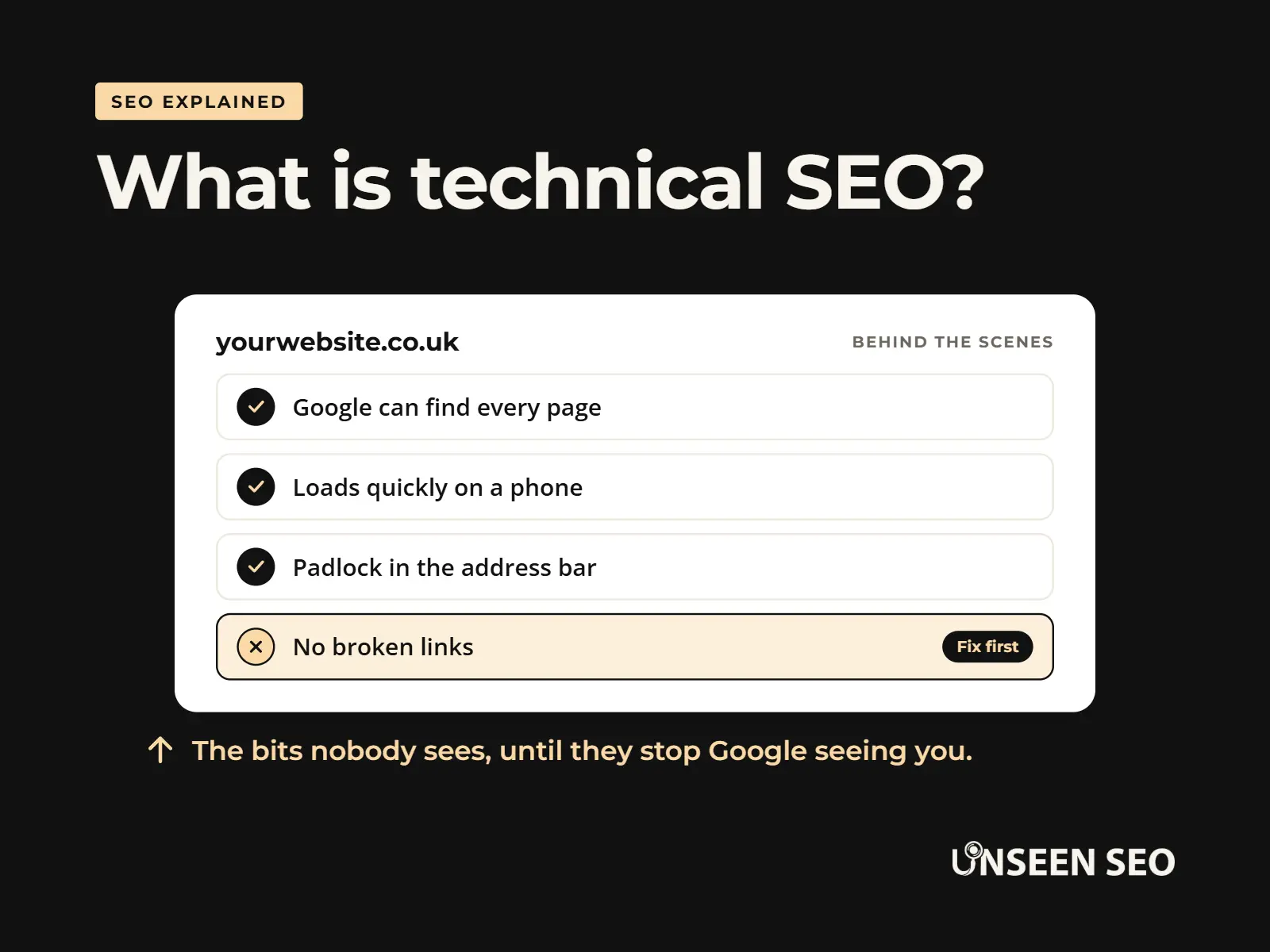
Technical SEO is the behind the scenes work that lets Google find your website, read it and show it to people. The good news? On most small business websites it’s a short list of checks, many of them free to do yourself, rather than a never ending project.
This guide explains what technical SEO is in plain English, how it differs from “normal” SEO, what it includes, the warning signs of a problem and how to check your own website without paying a penny. No coding degree required (and no judgement if you’ve never opened a robots.txt file).
Contents
- What is technical SEO?
- Technical SEO vs SEO: what’s the difference?
- How technical SEO works
- What’s included in technical SEO
- Signs your website has a technical problem
- Do small businesses need technical SEO?
- How to check your technical SEO for free
- What is a technical SEO audit?
- Can you do technical SEO yourself?
- Technical SEO and AI search
- Common questions
What is technical SEO?
Technical SEO means making sure your website works properly for search engines. It covers the parts of your website visitors rarely see: how Google finds your pages, whether it can read them, how fast they load, whether they work on a phone, and whether anything is quietly telling Google to stay away.
Think of your website as a shop. Your words and photos are the stock on the shelves. Technical SEO is the front door, the lights and the signs outside. Brilliant stock won’t sell much if the door’s locked and the lights are off.
The stock (on-page SEO)
Your words, photos, headings and page titles. What people come to see.
The building (technical SEO)
The door, the lights, the signs. Whether Google can get in and look around.
The reputation (off-page SEO)
Reviews, links and mentions. What everyone else says about you.
What is technical SEO in simple terms?
In one sentence: technical SEO is removing anything that stops Google finding, understanding or trusting your pages. When it’s working, nobody notices. When it isn’t, even great pages can be invisible.
Technical SEO vs SEO: what’s the difference?
Technical SEO is one part of SEO, not a separate thing. SEO is everything you do to get found on Google. Technical SEO is the slice that deals with how your website works, rather than what it says or who links to it.
| Technical SEO | On-page SEO | Off-page SEO | |
|---|---|---|---|
| Focus | How the website works | What the pages say | What others say about you |
| Examples | Speed, mobile, indexing, sitemaps, HTTPS, redirects | Content, keywords, page titles, headings | Backlinks, reviews, mentions |
| Who usually does it | You, an SEO consultant or a web developer | You or a writer | You, over time |
| How often | Mostly once, then the odd check | Every time you add or update a page | Ongoing |
You’ll sometimes hear a fourth type, local SEO, which is about showing up for nearby customers on Google Maps. Our guide to the types of SEO covers all four.
How technical SEO works
Google does three jobs with every website: it finds pages, files them in its index and picks which ones to show. Technical SEO makes sure nothing trips Google up at any of those steps.
1. Find (crawling)
Can Google reach your pages? Sitemaps, internal links and robots.txt all play a part.
2. File (indexing)
Will Google keep them? Noindex tags, duplicate pages and errors can stop it.
3. Pick (ranking)
Does the page give people a good experience? Speed, phones and security matter here.
Most of the time it all just works. Technical SEO is about spotting the times it doesn’t, before they cost you customers.
What’s included in technical SEO
Here’s what technical SEO usually covers, in plain English. You don’t need to master every one. For most small business websites, the first four matter most.
Crawling and indexing
Making sure Google can reach your pages and is keeping them in its index.
Speed
Pages that load quickly, measured by Google’s Core Web Vitals.
Working on phones
Google looks at the mobile version of your website first.
HTTPS (the padlock)
A secure connection, so browsers don’t warn people off.
Sitemaps and robots.txt
A list of your pages for Google, and the instructions about where it can go.
Broken links and redirects
No dead ends, and old addresses pointing to the new ones.
Duplicate pages and canonical tags
Telling Google which version of a page is the real one.
Structured data (schema)
Extra code that labels things like your address, prices or FAQs.
Site structure
Clear menus and internal links, so no page is stranded.
Crawling and indexing
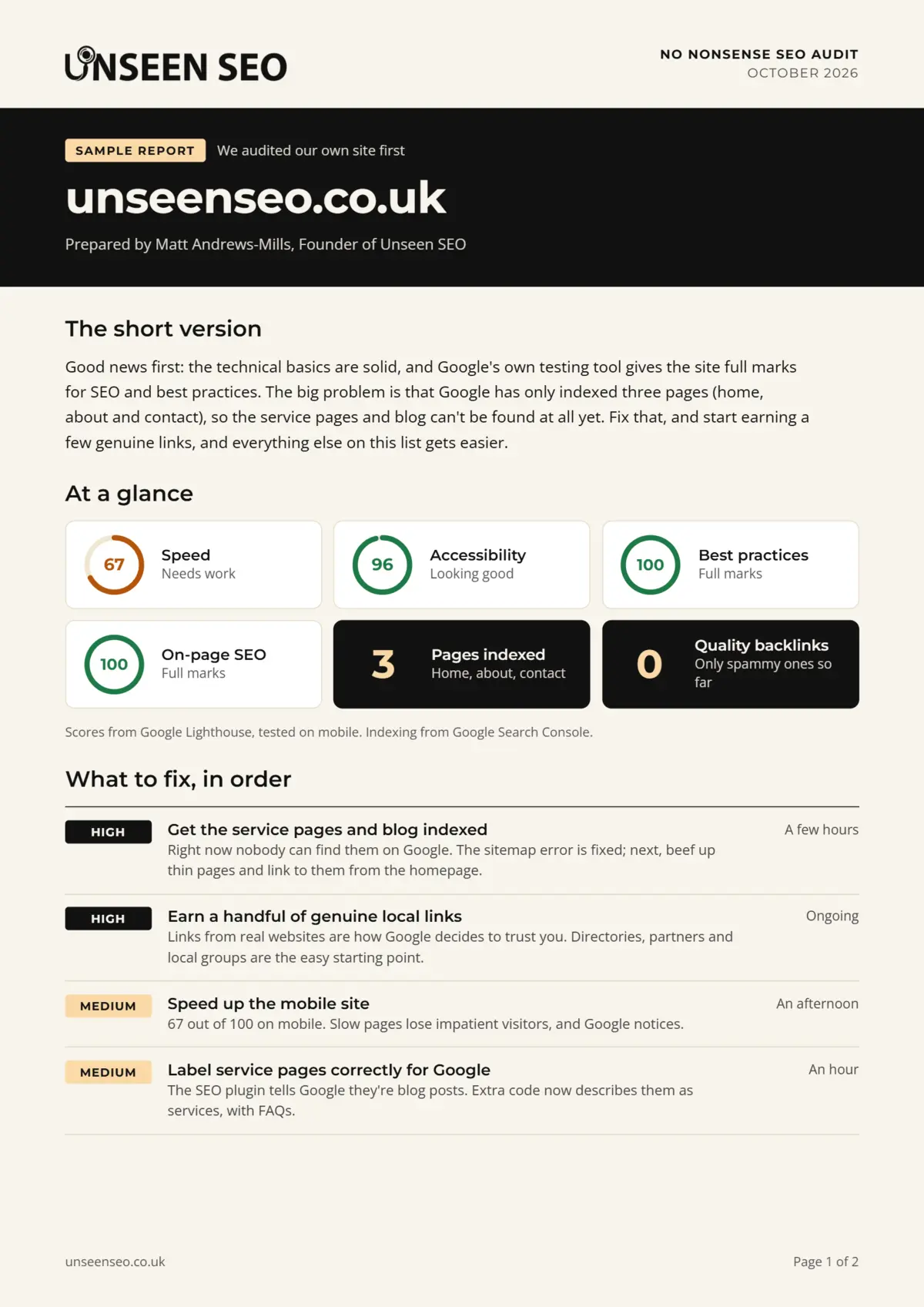
If Google can’t find a page (crawlability) or won’t keep it (indexing), nothing else matters. A single setting, like a stray noindex tag, can hide a page completely. This catches out more websites than you’d think, us included: when we audited our own website, only three of our pages were in Google’s index.
Speed and Core Web Vitals
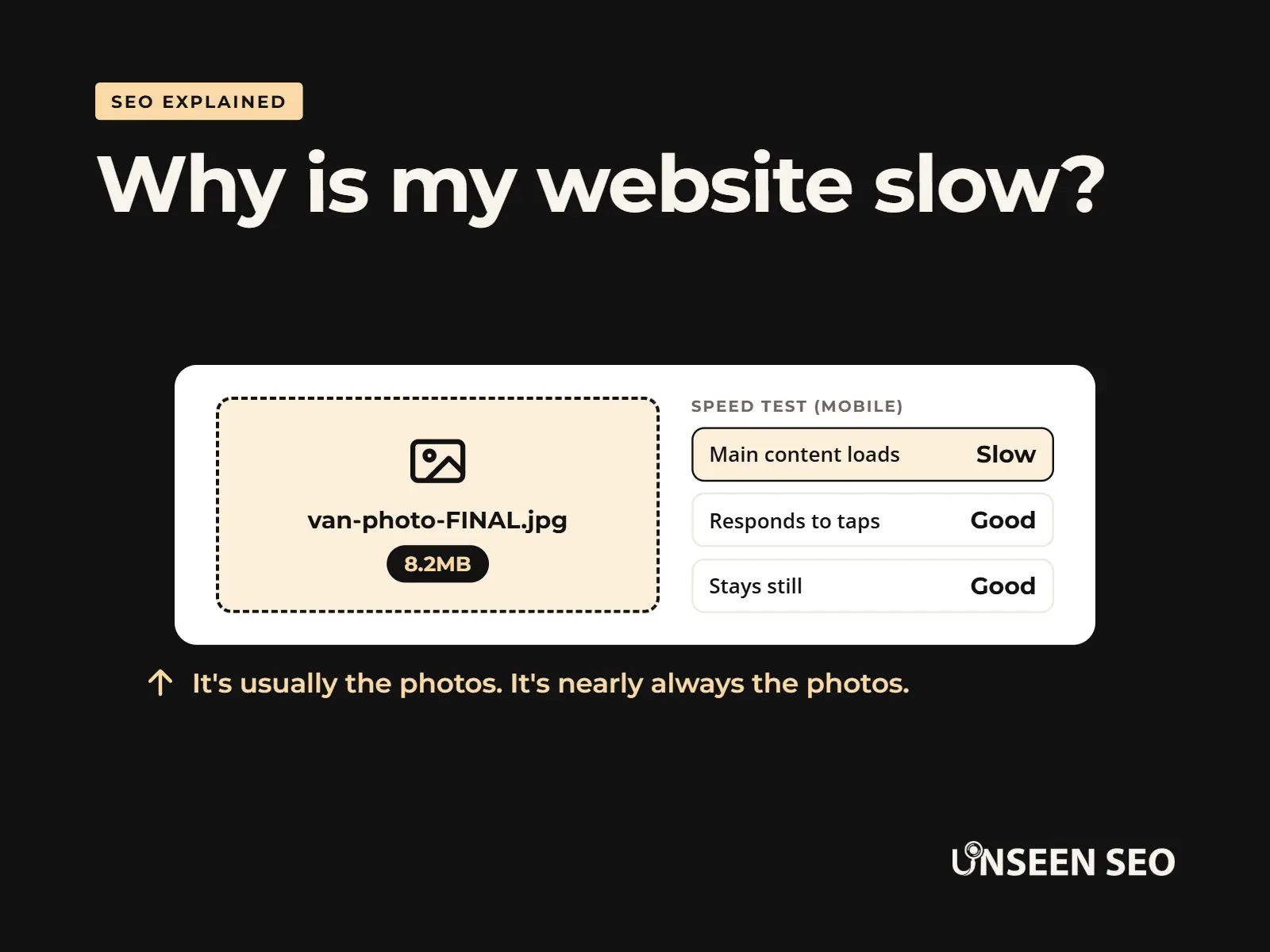
Google measures how a page feels to use with three Core Web Vitals: how quickly the main content loads, how quickly the page responds when you tap something, and whether things jump around as it loads. Huge photos are the most common culprit on small business websites, and usually the easiest to fix.
Working on phones
Google uses mobile-first indexing, which means it judges your website mainly by how it looks and works on a phone. If text is tiny, buttons are fiddly or something is missing on mobile, that’s what Google sees.
HTTPS
HTTPS is the padlock in the address bar. Without it, browsers show a “Not secure” warning, which is a quick way to lose a customer. Most hosting companies now include it free.
Sitemaps and robots.txt
A sitemap is a list of the pages you want Google to know about. A robots.txt file tells search engines which parts of your website not to visit. Both are usually created for you, but a robots.txt left over from when a website was being built can block Google entirely (it happens more than you’d hope).
Broken links and redirects
Links to pages that no longer exist lead to a 404 error, a dead end for visitors and Google. When you move or rename a page, a 301 redirect sends people from the old address to the new one, so you don’t lose them.
Duplicate pages and canonical tags
If the same content appears at more than one address, Google has to guess which one to show. A canonical tag tells it which is the real one. These usually look after themselves, but not always. We recently found some of our own blog category pages had canonical tags pointing at a font file, thanks to a plugin mix up. Not ideal. Fixed now, and a good reminder to check.
Structured data (schema markup)
Schema markup is extra code that labels the information on a page, like your business name, opening hours or FAQs, so Google can understand it more easily. It’s a nice to have rather than a must have for most small businesses, and many website tools add the basics for you.
Signs your website has a technical problem
You don’t need to understand any of the above to spot trouble. Tap a symptom to see what’s usually behind it.
“My new page still isn’t on Google after weeks”
IndexingGoogle may not have found it, or something is telling it not to keep it. Check the page in Google Search Console’s URL inspection tool.
“My website doesn’t show up even when I search my business name”
Indexing or blockingOften a leftover “discourage search engines” setting or robots.txt rule from when the website was built.
“My website takes ages to load on my phone”
SpeedUsually oversized photos, too many plugins or slow hosting. Run the page through PageSpeed Insights.
“People see a Not secure warning”
HTTPSYour website isn’t using a secure connection. Your hosting company can usually switch it on for free.
“Old links to my website go to an error page”
RedirectsA page was moved or renamed without a redirect. Point the old address at the new page.
“Google shows the wrong page, or a weird web address”
Duplicates or canonicalsGoogle is confused about which page is the main one. Check your canonical tags.
Do small businesses need technical SEO?
Yes, but usually not much of it. Website builders like WordPress, Wix, Squarespace and Shopify handle a lot of the technical basics for you. A small website with a handful of pages rarely needs a big technical project.
Where problems usually creep in:
- When a website is built or rebuilt. Settings left on from development, or old pages that never got redirected.
- Plugins and add-ons. Each one can slow things down or change settings without you noticing (as we found out ourselves).
- Lots of large photos. The single biggest cause of slow small business websites.
- Moving to a new domain or platform. The riskiest moment for any website’s rankings.
So the honest answer: get the basics checked once, then keep an eye on things. That’s a few hours of work for most websites, not a monthly retainer.
How to check your technical SEO for free
You can run a decent technical check yourself in about half an hour, using free tools:
- Search Google for
site:yourwebsite.co.ukto see roughly which of your pages Google has indexed. Fewer than you expected? That’s your first clue. - Set up Google Search Console. It’s free and comes straight from Google. The Pages report shows which pages aren’t indexed and why, and the Core Web Vitals report flags slow pages.
- Run your key pages through PageSpeed Insights. Google’s free speed test, with suggestions for what to fix.
- Use your website on your own phone. Can you read everything, tap every button and find your phone number easily?
- Check for the padlock in the address bar on every page.
- Try a free crawler. Screaming Frog’s free version checks up to 500 pages for broken links, missing titles and redirects. Tip: if every page comes back missing something, slow the crawl down, as some hosting companies block fast crawlers.
Want a list to work through? Our free SEO audit checklist includes all the technical checks, in order of what matters most.
What is a technical SEO audit?
A technical SEO audit is a full check of how your website works for search engines, ending with a list of problems to fix. It covers everything in this guide: indexing, speed, mobile, security, broken links, redirects, duplicates and structured data.
A good audit doesn’t just list problems. It tells you which ones actually matter and what to fix first, in language you understand. Our £150 No Nonsense Audit does exactly that, alongside the content and local checks. If you’d like to know more about how audits work in general, here’s what actually happens in an SEO audit.
Can you do technical SEO yourself?
A lot of it, yes. The free checks above, compressing photos, switching on HTTPS and fixing broken links are all well within reach of a confident website owner.
It’s worth getting help when:
- Search Console shows errors you can’t make sense of.
- Your website has dropped in Google and you don’t know why.
- You’re about to move to a new website, platform or domain.
- Fixing something means editing code or settings you’re nervous about touching.
That’s what our technical SEO help is for: £50 an hour, no contract, and we can either fix things for you or give your web developer a clear list.
Technical SEO and AI search
Good news: you don’t need a separate “AI SEO” setup. Google says its normal SEO best practices apply to its AI features, like AI Overviews. A page needs to be indexed and able to appear in normal results to be shown there, which makes the technical basics more important, not less.
One thing worth checking: some websites now block AI tools in their robots.txt file, sometimes without the owner knowing. Whether to allow them is your call, but it should be a decision, not an accident. There’s more in our beginner’s guide to AI search.
Common questions about technical SEO
Quick answers to the questions people ask most about technical SEO.
Technical SEO is one part of SEO. SEO is everything you do to get found on Google, including your content and reviews. Technical SEO is the part about how your website works: whether Google can find and read your pages, how fast they load and whether they work on phones.
Technical SEO usually covers crawling and indexing, page speed, mobile friendliness, HTTPS, sitemaps and robots.txt, broken links and redirects, duplicate pages and canonical tags, structured data and site structure.
A technical SEO audit is a full check of how your website works for search engines, ending with a prioritised list of problems to fix, such as pages missing from Google, slow pages, broken links or security warnings.
Yes, but usually not much. Website builders handle many of the basics, so most small websites just need a one-off check and the occasional look at Google Search Console, rather than ongoing technical work.
Much of it, yes. Free tools like Google Search Console and PageSpeed Insights show you most problems, and fixes like compressing photos or adding redirects are often simple. It’s worth getting help for errors you don’t understand or before moving your website.
It depends on how much needs fixing. You can check the basics yourself for free. Our technical SEO help is £50 an hour with no contract, and our £150 audit is a good starting point if you’re not sure what’s wrong.
No. Google says its normal SEO best practices apply to AI features like AI Overviews, and a page needs to be indexed by Google to appear in them. If anything, making sure your website is technically sound matters more than ever.
The 30-second version
Technical SEO is making sure your website works properly for Google: it can find your pages, keep them, load them quickly and show them on any device. Most small business websites need a one-off check rather than constant work, and plenty of it you can do yourself with free tools.
Want a hand with it?
Not sure what’s going on under the bonnet? Our £150 No Nonsense Audit gives you a plain English list of what to fix first, with no retainer and no contract. Already know what’s wrong? Our technical SEO help is £50 an hour. Or just drop us a message with your question.


Leave a Reply