
Keyword research is working out the exact words your customers type into Google when they’re looking for what you sell. The good news? You can do it for free, with tools you already have, in about half an hour.
This guide covers what keyword research is, why it matters for SEO, the free (and paid) keyword research tools worth knowing about, and how to do it step by step. No spreadsheets the size of a small country required.
Contents
- What is keyword research?
- Why keyword research matters for SEO
- The four things to look at for each keyword
- Types of keywords
- How to do keyword research, step by step
- Free keyword research tools
- Paid keyword research tools: are they worth it?
- What to do with your keywords
- Common keyword research mistakes
- Does keyword research still matter with AI search?
- Common questions
What is keyword research?
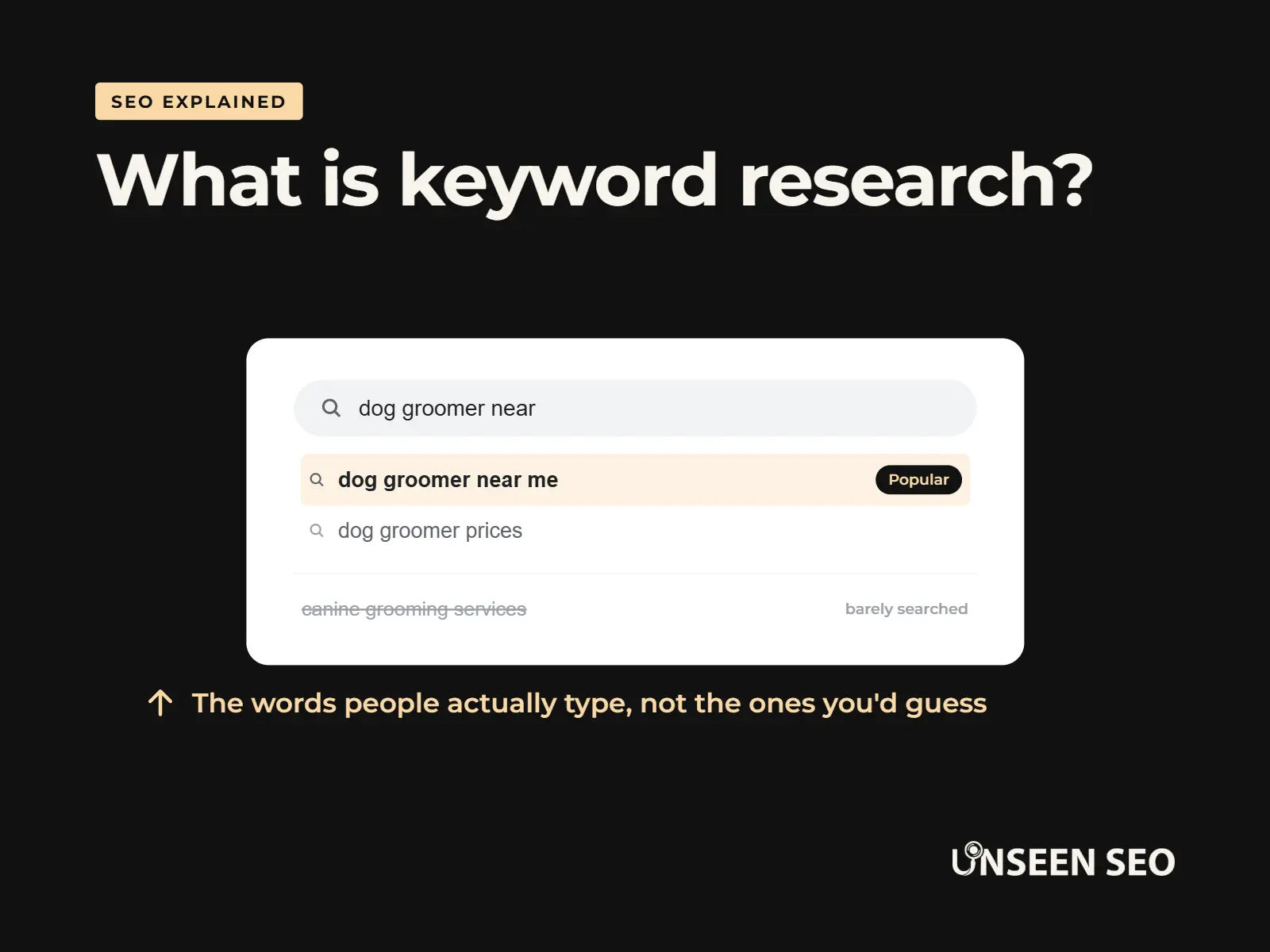
Keyword research means finding the words and phrases people search for, so you can use those same words on your website. Those words and phrases are called keywords. A keyword doesn’t have to be one word. “Dog groomer near me” is a keyword. So is “how often should I get my dog groomed”.
Here’s why it matters. Say you run a dog grooming salon in Barnsley, and your website calls what you do “canine grooming services”. Sounds lovely. The trouble is, hardly anyone searches for that. They type “dog groomer near me” or “dog grooming barnsley”. If those words aren’t on your website, Google has a harder time matching you to those searches.
What people type vs what websites say
dog groomer near mePopular
dog groomer near me prices
dog groomer near me open now
canine grooming servicesBarely searched
An illustration of Google’s autocomplete, not real search data.
What is keyword research in SEO?
In SEO (search engine optimisation, or getting found on Google), keyword research is usually the first job. It tells you which pages your website needs, what to call them and which words to use on them. Get it right and everything else, from your page titles to your blog posts, has a clear target.
What is keyword research in digital marketing?
In wider digital marketing, the same research feeds into paid ads, social posts and even what you put on a leaflet. It’s simply listening to how your customers describe what they want, at scale. Google just happens to be a very good place to listen.
Why keyword research matters for SEO
Keyword research matters because guessing is expensive, even when it feels free. You can spend days writing a page that nobody ever searches for. Ten minutes of research first tells you whether anyone’s asking.
- You use your customers’ words, not yours. Trade terms and posh phrases often get far fewer searches than everyday language.
- You find out what pages you need. If people search for “dog nail clipping barnsley”, that might deserve its own page.
- You spot questions worth answering. Questions like “how often should a dog be groomed” make great blog posts.
- You pick fights you can win. Some searches are dominated by national giants. Others are wide open for a local business.
- Google understands you better. Clear pages, using the words people search for, are easier for Google to match to the right searches.
The four things to look at for each keyword
Keyword research tools throw a lot of numbers at you. For a small business, only four things really matter, and two of them don’t need a tool at all.
| What to check | What it means | Why it matters |
|---|---|---|
| Search volume | Roughly how many times a month people search for it | Tells you if anyone’s actually asking. Treat it as a rough guide, not a precise count |
| Keyword difficulty | A tool’s estimate of how hard it is to get on page one | Helps you avoid fights with huge national websites |
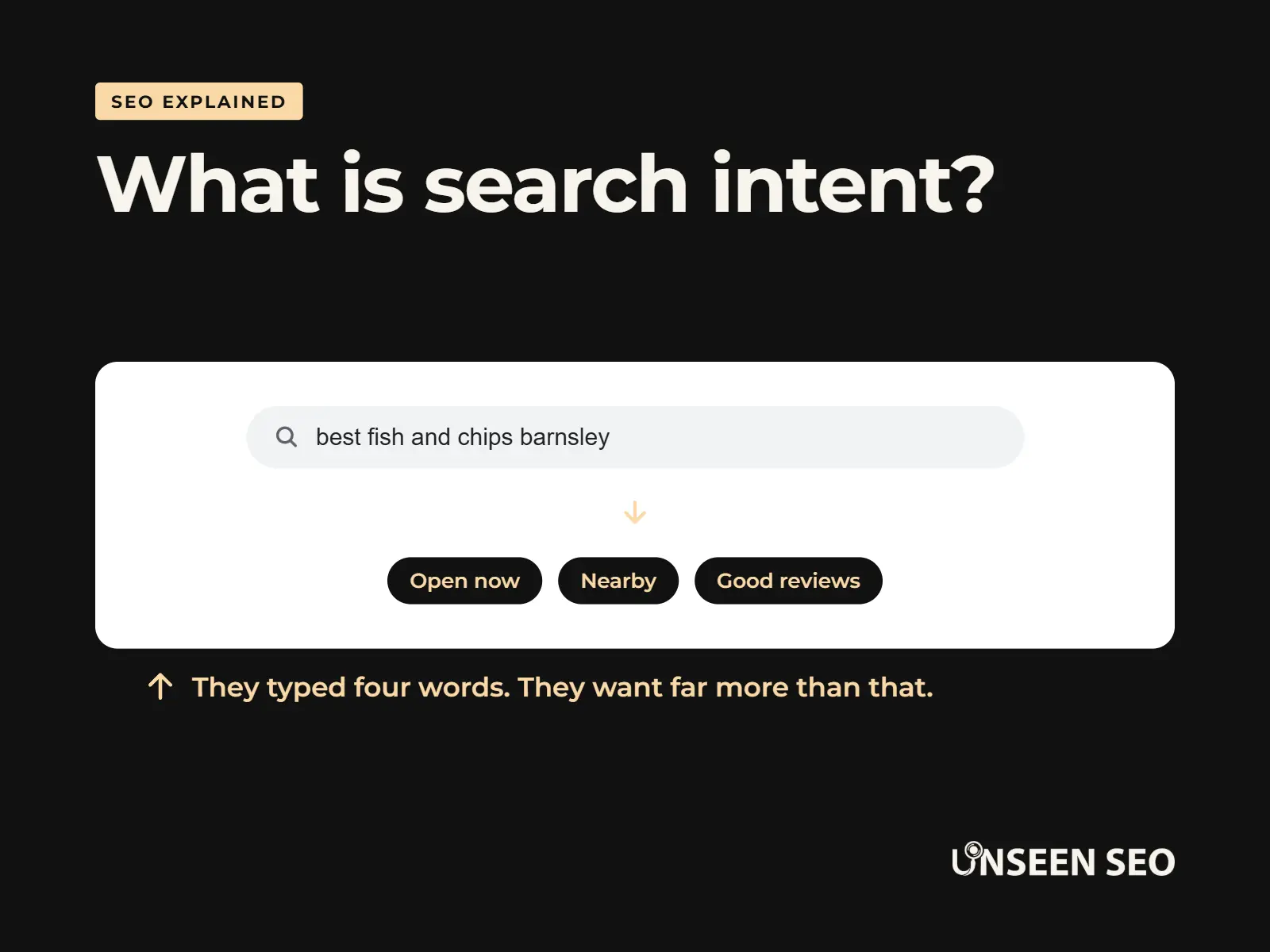
| Search intent | What the person searching actually wants: to learn, to compare, or to buy | A page that doesn’t match the intent rarely ranks, however good it is |
| Relevance | Whether it’s genuinely something you offer | A thousand visitors who want something you don’t sell are worth nothing |
The easiest way to check search intent? Google the keyword and look at what comes up. If it’s all shops, people want to buy. If it’s all guides, they want to learn. If it’s a map with three businesses on it, they want someone nearby.
A dog groomer’s keyword shortlist
Wants a local groomerHomepagepuppy first groom barnsley
Wants a gentle first visitService pagehow often should a dog be groomed
Wants to learnBlog postdog grooming course
Wants to become a groomerSkip it
A made up example business, for illustration only.
Types of keywords
You’ll hear keywords sorted into a few types. You don’t need to memorise them, but they help you spot the easy wins.
- Short tail keywords: one or two words, like “dog grooming”. Lots of searches, lots of competition, and often vague about what the person wants.
- Long tail keywords: longer, more specific phrases, like “puppy first groom barnsley”. Fewer searches each, but far easier to rank for, and the people searching usually know exactly what they want.
- Local keywords: searches with a place or “near me” in them. Gold dust for a local business, and closely tied to local SEO.
- Question keywords: “how”, “what”, “why” and “how much” searches. Perfect for blog posts and FAQs.
- Branded keywords: searches for your business name. If you don’t show up for your own name, here’s why that might be.
For most small businesses, the sweet spot is long tail and local. Less glamorous than “dog grooming”, much more likely to bring in someone who actually books.
How to do keyword research, step by step
Here’s how to do keyword research for free, in the order we’d do it. Grab a notepad or a blank spreadsheet. Half an hour is plenty for a first go.
1
Write your starting list
2
Ask Google
3
Check what you already rank for
4
Look at competitors
5
Check the numbers
6
Group into pages
1. Write your starting list
List every service you offer and every way a customer might describe it, plus the towns you cover. These are your “seed” keywords. Think like a customer, not like an expert. Listen to how people phrase things on the phone, in emails and in reviews. Their words are your keywords.
2. Ask Google
Type each seed keyword into Google slowly and watch the autocomplete suggestions. Those come from real searches. Then look at the results page itself:
- People also ask: the box of questions part way down. Each one is a question people search for.
- Related searches: the list right at the bottom of the page.
- The results themselves: what kind of pages rank? That tells you the search intent.
3. Check what you already rank for
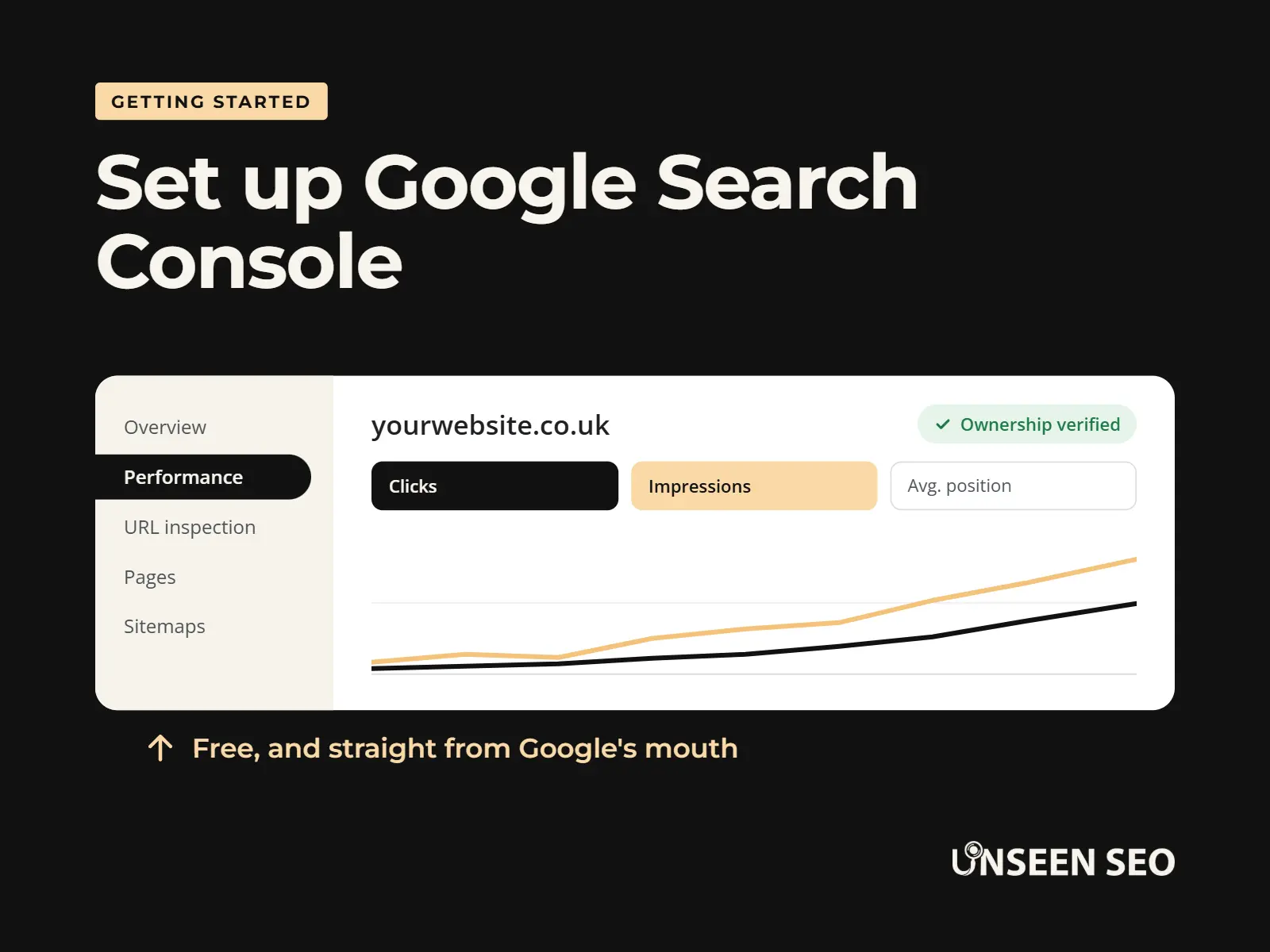
If your website has been around a while, Google Search Console shows the exact searches you already appear for. Open the Performance report and look at the Queries tab. Searches with lots of impressions but few clicks are often the quickest wins, because Google already thinks you’re relevant.
4. Look at your competitors
Search for your main services and see who comes up. What pages do they have that you don’t? What words do they use in their headings? You’re not copying, you’re spotting gaps. If every competitor has a page for “cat grooming” and you do cats too, that’s a page you’re missing.
5. Check the numbers
Now put your list into a free keyword research tool (there’s a list below) to get a rough idea of search volume and difficulty. Don’t panic if local keywords show tiny numbers, or none at all. Tools often under count local searches, and ten searches a month from people ready to book is worth more than a thousand from people who aren’t.
6. Group them into pages
Finally, group keywords that mean the same thing. “Dog groomer barnsley”, “dog grooming barnsley” and “dog groomers in barnsley” all want the same page. Give each group one page, with one main keyword. Anything that doesn’t fit an existing page might be a new page, or a blog post.
Free keyword research tools
You really don’t need to pay for anything to get started. These free keyword research tools cover most of what a small business needs:
| Tool | Good for | Worth knowing |
|---|---|---|
| Google autocomplete and People also ask | Finding the words and questions people really use | Completely free. Use a private browser window so your own history doesn’t skew it |
| Google Search Console | Seeing which searches you already show up for | Free, and the only tool showing real data for your own website |
| Google Keyword Planner | Search volume and new ideas | Free, but needs a Google Ads account. You don’t have to run ads, but without them you’ll usually only see rough volume ranges |
| Google Trends | Spotting seasonal patterns and comparing two phrases | Shows interest over time, not actual search numbers |
| Bing Webmaster Tools | Keyword ideas and volumes | Free with a Microsoft account. Bing’s data, but people search for similar things |
| Free versions of paid tools | A quick look at volume and difficulty | Ahrefs, Semrush, AnswerThePublic and others offer limited free searches or free mini tools |
Our honest view: the best free keyword research tool is Google itself. Everything on the results page is a clue, and it’s always up to date.
Paid keyword research tools: are they worth it?
For most small businesses starting out, paid keyword research tools are a nice to have, not a must have. They save time rather than unlock secrets. Here’s when one starts to earn its keep:
- You’re writing lots of content and want to check ideas quickly.
- You’re in a competitive market and need difficulty scores to pick your battles.
- You want to see exactly which keywords a competitor ranks for.
The big names are Semrush, Ahrefs and Moz. They’re powerful, but priced for agencies juggling dozens of websites. There are cheaper tools aimed at smaller users too. We use a budget one called Keysearch for our own research, and it does the job nicely. Most offer a free trial, so try before you commit.
What to do with your keywords
Keyword research is only useful if you do something with it. Once you’ve picked a main keyword for a page, use it naturally in these places:
- The page title: the blue link in Google. Get the keyword near the start if you can.
- The main heading: the big heading at the top of the page (the H1).
- The first paragraph: so people (and Google) know straight away they’re in the right place.
- The meta description: the short summary under your link in Google. It doesn’t directly affect rankings, but it helps people decide to click.
- The web address: a short, readable URL slug, like /dog-grooming-barnsley/.
- Image alt text: where it genuinely describes the picture.
Then forget about the keyword and write a genuinely useful page. Similar words and phrases will appear naturally if you’re answering the question properly. Google is good at understanding that “groomer”, “grooming” and “dog spa” are related.
Not sure your titles and descriptions are the right length? Try our free meta description checker, which shows how your listing will look in Google.
Common keyword research mistakes
- Chasing the biggest numbers. “Dog grooming” has more searches than “dog grooming barnsley”, but most of them are nowhere near Barnsley.
- Stuffing keywords in. Repeating a phrase over and over (keyword stuffing) reads badly and breaks Google’s spam rules. Once or twice, naturally, is plenty.
- Two pages chasing the same keyword. If two of your pages target the same search, they compete with each other. SEO people call this keyword cannibalisation. One page per main keyword.
- Ignoring search intent. A sales page won’t rank for a “how to” search, and a blog post rarely ranks for “buy”.
- Trusting tool numbers too much. Search volumes are estimates. Different tools often disagree. Use them to compare keywords, not as gospel.
- Doing it once and never again. Search habits change. Have a quick look again every six months or so.
Does keyword research still matter with AI search?
Yes, though it’s shifting a little. With AI Overviews at the top of many Google searches, and people asking tools like ChatGPT longer questions, the questions behind your keywords matter more than ever.
Google says its normal SEO advice applies to its AI features, with no special tricks needed. So the job’s the same: find out what your customers ask, and answer it clearly on your website. If anything, the question keywords from People also ask are now even more worth your time. There’s more on this in our beginner’s guide to AI search.
Common questions about keyword research
Quick answers to the questions people ask most about keyword research.
Keyword research is finding out the exact words people type into Google when they’re looking for what you offer. You then use those words on your website, so Google can match your pages to those searches.
A keyword is any word or phrase someone searches for. For a dog groomer in Barnsley, examples include “dog grooming barnsley”, “dog groomer near me” and “how often should a dog be groomed”. Keywords are often several words long.
It can be. Google autocomplete, People also ask, Google Search Console, Google Keyword Planner and Google Trends are all free. Paid tools save time and give more detail, but most small businesses can get started without one.
Yes, several. Google Keyword Planner is free with a Google Ads account, Google Search Console shows the searches your website already appears for, and Bing Webmaster Tools has a free keyword tool. Ahrefs, Semrush and AnswerThePublic also offer limited free searches.
Absolutely. You don’t need special skills, just a list of what you sell and a bit of curiosity. Start with Google’s own suggestions and questions, then check a few phrases in a free tool. Our free SEO for beginners guide covers the basics.
Give each page one main keyword, plus a few closely related phrases that mean the same thing. If two keywords need different answers, they usually need different pages.
Because it tells you what your customers actually search for, so you can create pages that match. Without it, you’re guessing, and it’s easy to write pages nobody searches for or miss searches that would bring you work.
The 30-second version
Keyword research is finding the words your customers really type into Google, then using them on your website. Start with Google’s own suggestions, check what you already rank for in Search Console, sense check the numbers in a free tool, and give each main keyword its own useful page. No paid tools needed to get going.
Want a hand with it?
Rather someone just told you what’s holding your website back? That’s what our £150 No Nonsense Audit is for: a plain English list of what to fix first, with no retainer and no contract. Got a list of keywords and want a second opinion? An hour of our time is £50. Or just drop us a message with your question.


Leave a Reply